Check your call times
Whether you're cast or crew, you can see your call time for every shooting day the production has published a call sheet for, along with where the day shoots and which scenes are scheduled.
- In a project, click My part in the sidebar.
My part opens on the Shooting days tab. Each day shows its date and title, the location, your call and wrap time, and the day's scenes in shooting order.
If you're cast, scenes your characters are in are marked You. If you're crew, each scene lists the breakdown items your department looks after.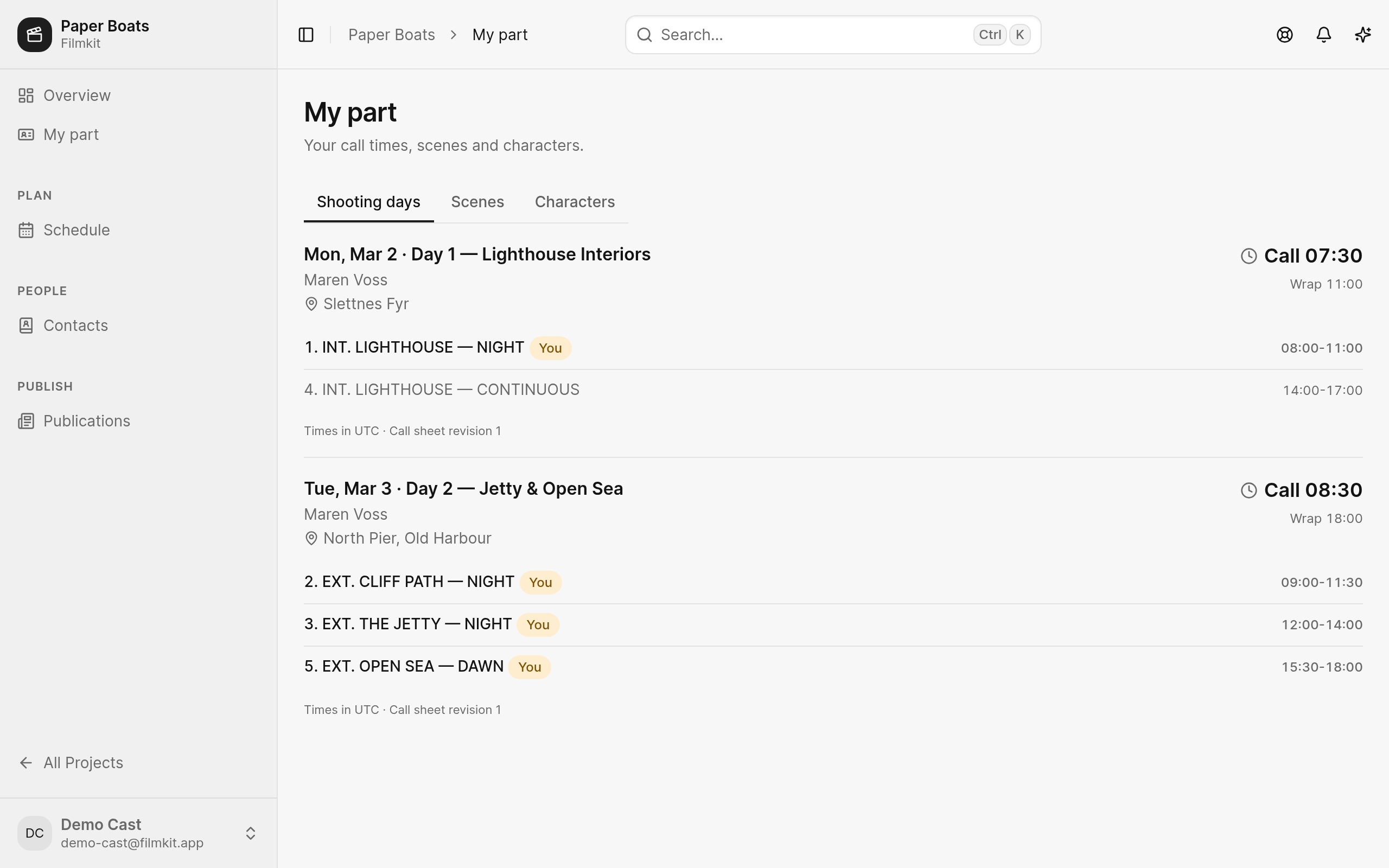
The Shooting days tab with a cast member's call and wrap times and their scenes on each day. - If you're cast, click a scene's heading to read it.

Times are shown in the production's time zone, which is named under each day with the call sheet's revision number. A day marked PRELIM has a preliminary call sheet, which may still change.
If you're crew, your call is the day's crew call. If you're cast, your call is usually earlier than your first scene, for hair, make-up and costume. If the production sets a different call for you, that time is shown instead. Days you aren't called aren't listed.