Use My part as crew
As crew, My part shows your call on each shooting day, which scenes need your department, and the props, vehicles, and other resources the production made you responsible for.
See your calls and your department's scenes
- In a project, click My part in the sidebar.
My part opens on the Shooting days tab. Each day shows your call time and the day's scenes. Under a scene, FilmKit lists the breakdown items your department looks after, such as props for the art department or costumes for the costume department.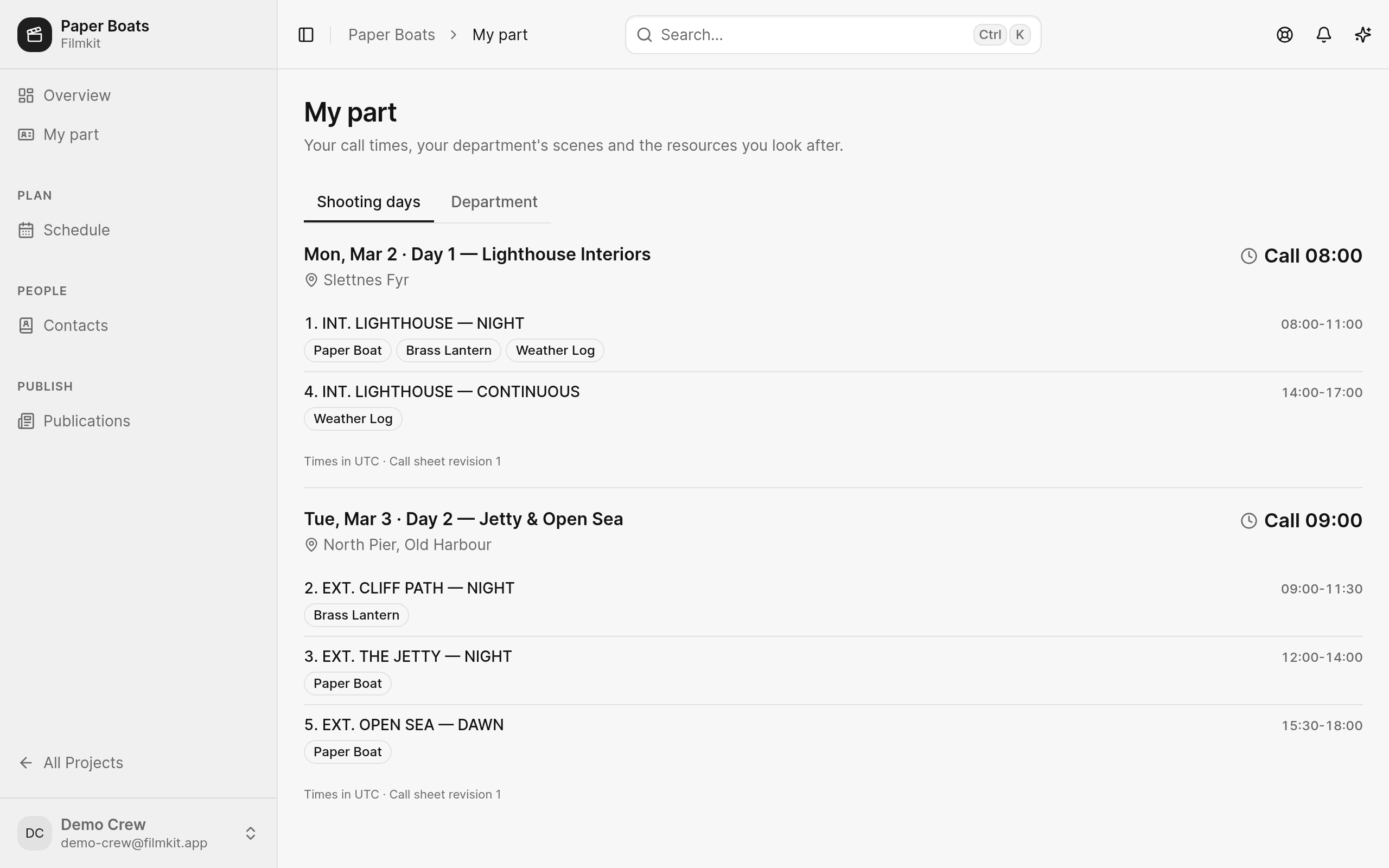
The Shooting days tab for the production designer, with the props each scene needs.

Your call is the day's crew call, unless the production set a different call for you or added you to a scheduled event.
See the resources you're responsible for
- In My part, click the Department tab.
Your departments shows the department of your role on the project. Resources you look after lists each resource with its type and what you're responsible for, such as Handler or Owner.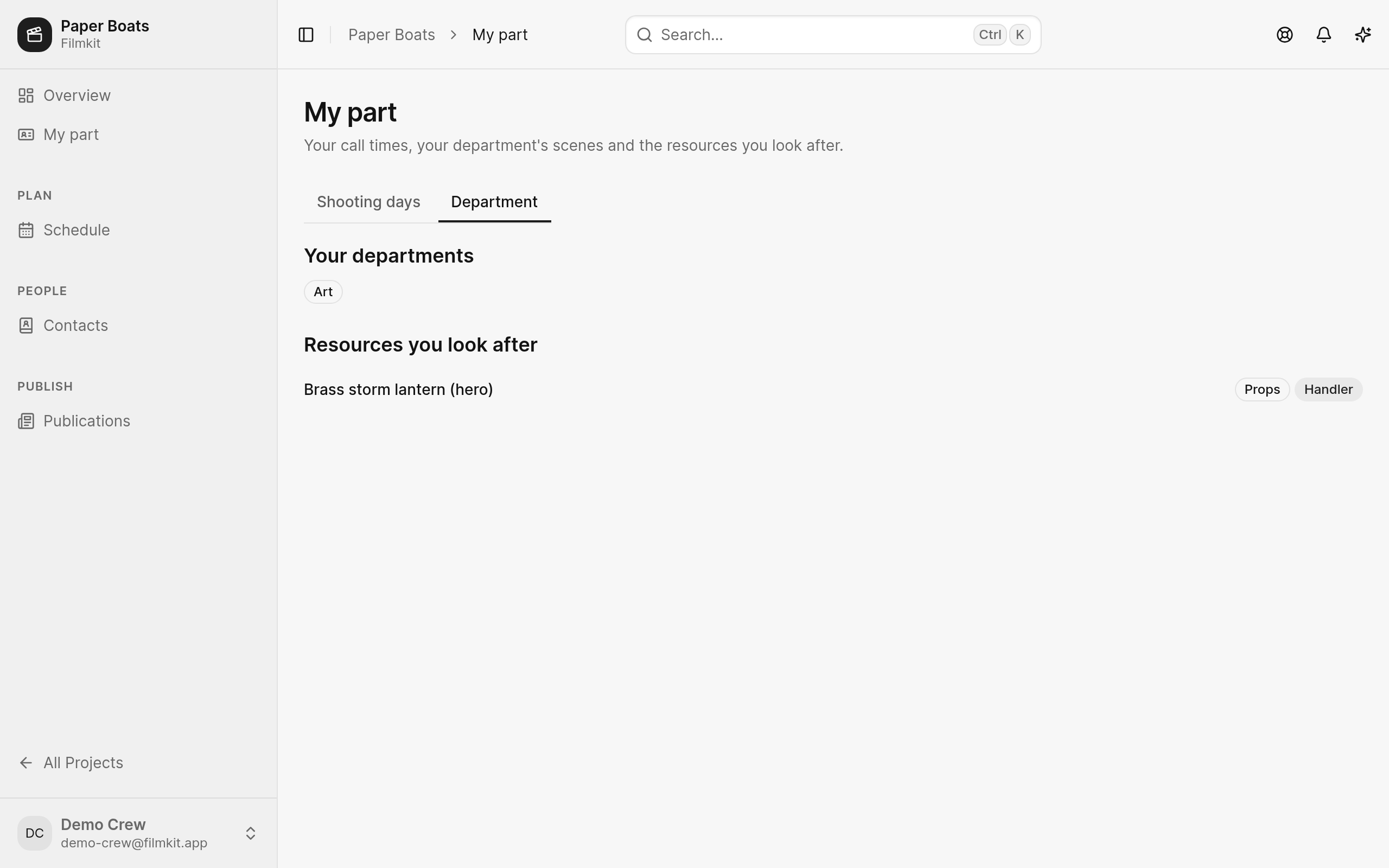
The Department tab with the Art department and the brass lantern the designer handles.
