Search the directory
You can search the directory to find actors, crew, and organizations such as production companies, film schools, festivals, and talent agencies. The directory is public, so you don't need to be signed in.
Search and filter profiles
- At the top of a public FilmKit page, such as the FilmKit home page, click Directory.
To go straight to actors or crew, click Cast or Crew instead. - Do any of the following:
- Search by name: Enter a name in the search field.
- Show one type of profile: Choose a type, such as Crew or Talent agency, from the menu that shows All types.
- Clear your filters: Click Clear filters.
The number of matching profiles appears above the results. - Click a profile to open its public page.
Find crew by department and role
- In the directory, choose Crew from the type menu.
Two more menus appear.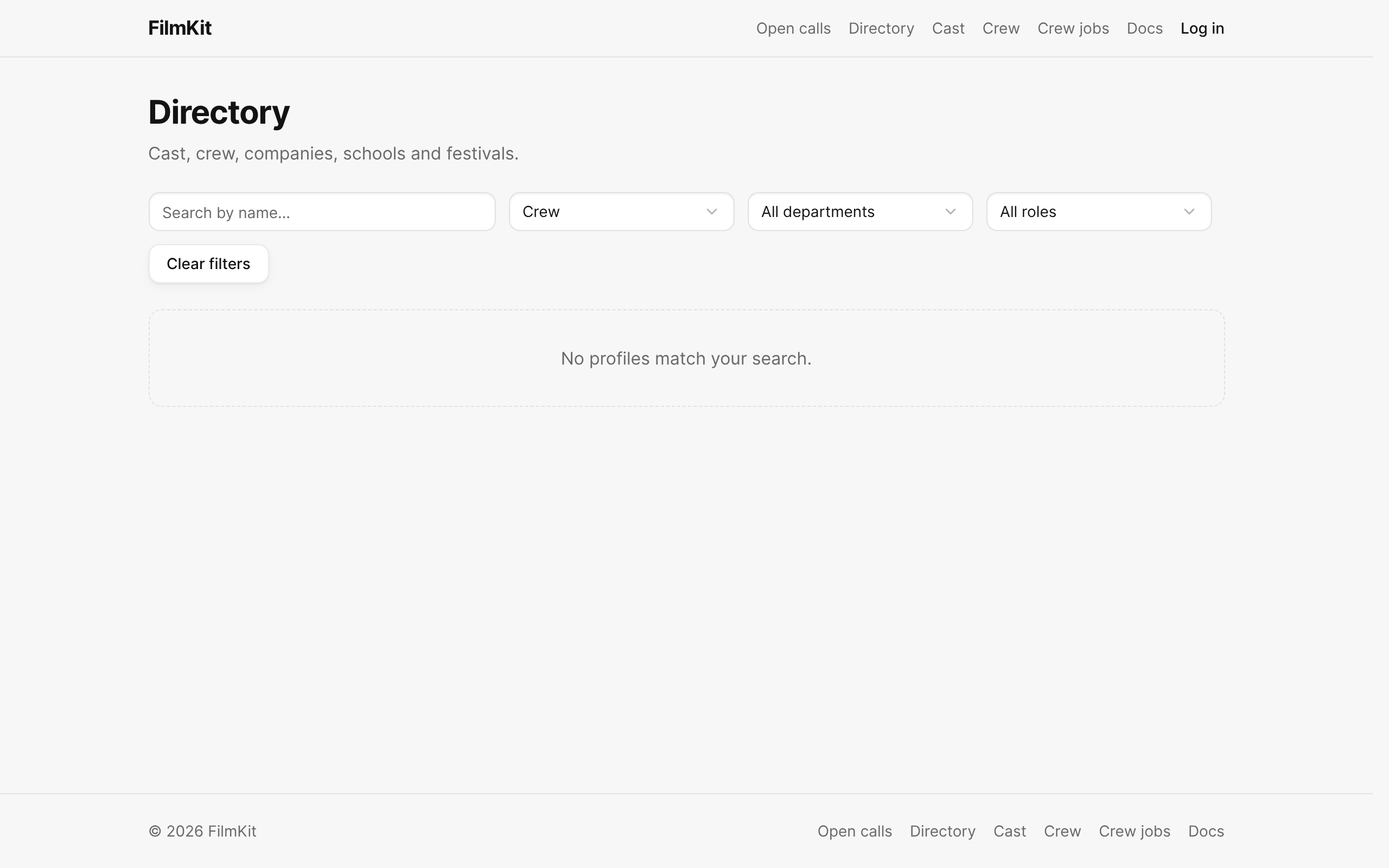
The directory filtered to Crew, with the Department and Role menus. - Choose a department from the All departments menu, a role from the All roles menu, or both.

Find actors by physical attributes
- In the directory, choose Cast / Actor from the type menu.
- Click .
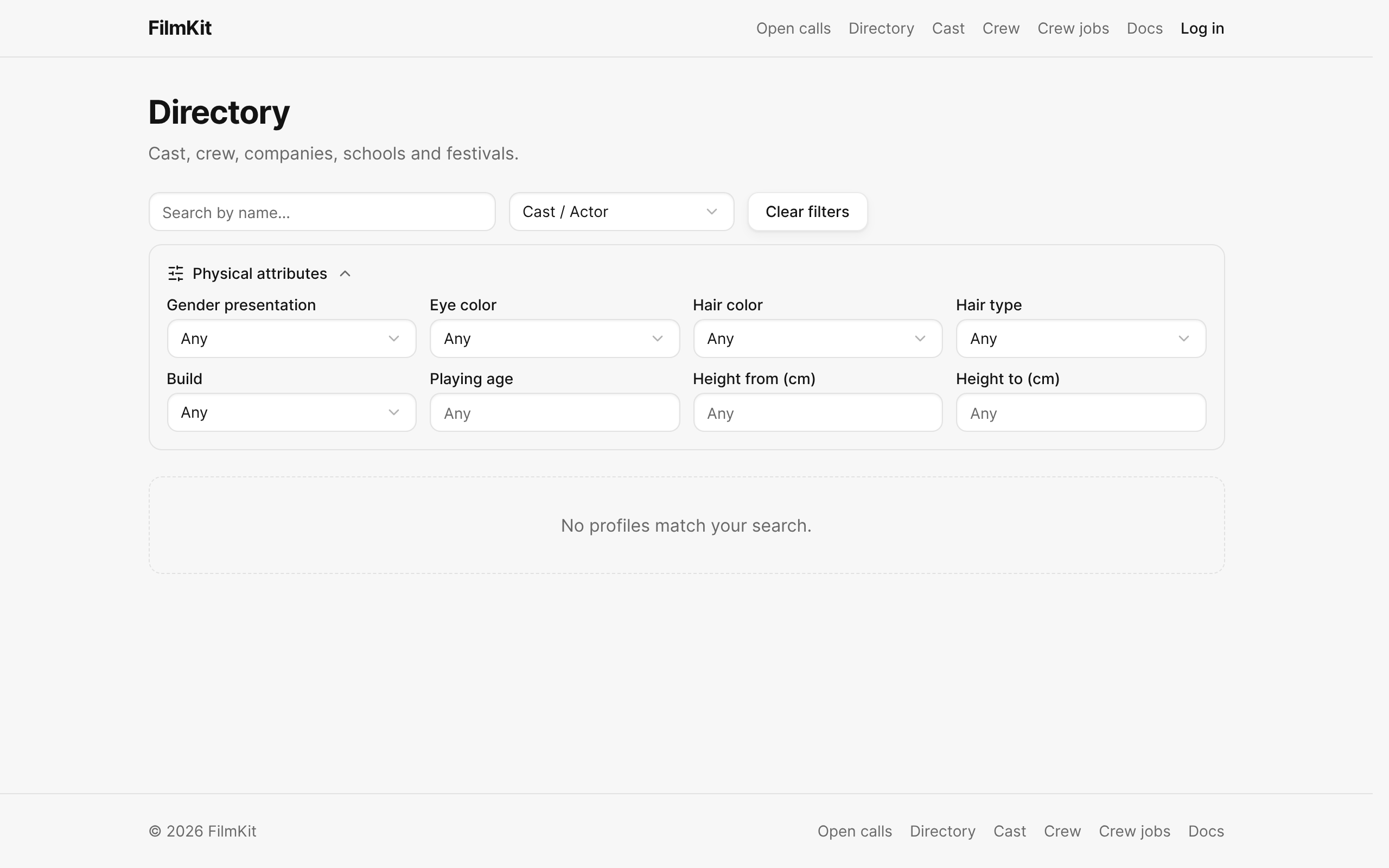
The directory filtered to Cast / Actor, with the Physical attributes filters open. - Set any of the filters:
- Gender presentation, Eye color, Hair color, Hair type, and Build: Choose a value, or Any.
- Playing age: Enter an age to find actors whose playing age range includes it.
- Height from (cm) and Height to (cm): Enter a height range.

When you close the Physical attributes panel, the filters stay on and the button shows how many are active.
Submit work to a festival
If a festival's profile shows Submit your work, it's accepting submissions. See Submit to and run festivals.