Submit to and run festivals
You can submit your finished work to festivals that have a profile in the FilmKit directory, and follow each submission's status in one place. If you run a festival, you can accept submissions through your festival's profile and review them there.
Submit your work to a festival
To submit work, you need to be signed in and have at least one profile. See Create and edit a profile.
- In the directory, open the festival's profile.
If the festival isn't taking submissions, its profile shows Submissions closed. - Click Submit your work.
- In the Submit to this festival dialog, choose the profile to submit as from the Submit as menu.
- Enter a Work title.
- If you like, enter a Work link (optional), such as a screener link, and Notes (optional).
- Click Submit.
Track and withdraw your submissions
- In the sidebar, click My Festival Submissions.
Each submission shows the festival, the profile you submitted as, and its status: Submitted, Under review, Accepted, Declined, or Withdrawn.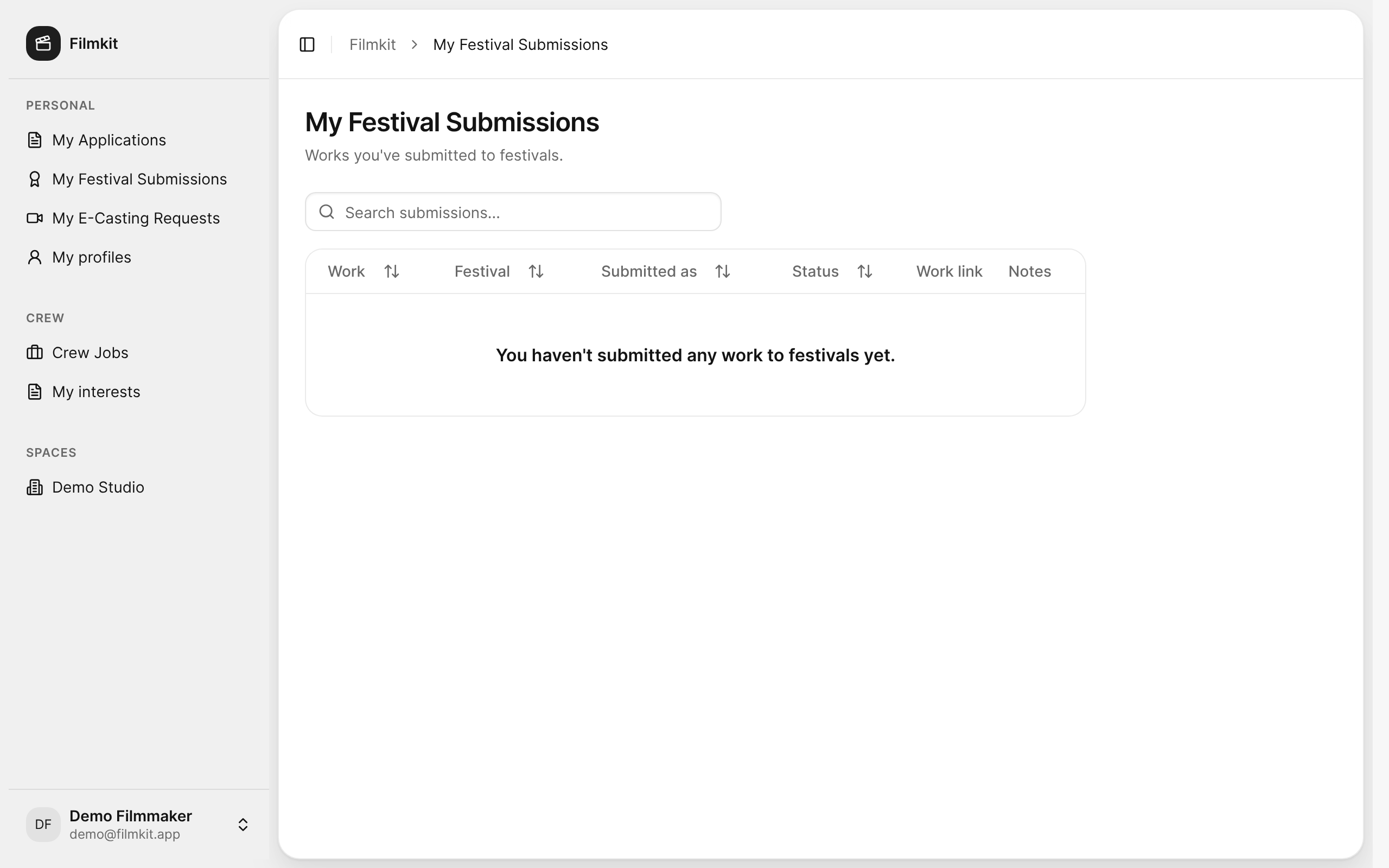
The My Festival Submissions page, where you track the work you've submitted. - To withdraw a submission that's Submitted or Under review, click Withdraw, then confirm.
The festival team no longer reviews it.

Accept submissions to your festival
- Create a profile with the Festival type, or open your festival's profile from My profiles.
- In the Festival section, select Accepting submissions, and enter the Categories you accept.
- Make sure the profile's Visibility is public or unlisted, then click Save profile.
The festival's public profile shows Submit your work to signed-in visitors.
Review submissions to your festival
- In the sidebar, click My profiles, then click the festival's profile.
- Go to the Submissions section.
Each submission shows its title, who submitted it, and a View work link if one was provided. - To change a submission's status, choose Under review, Accepted, or Declined from its Status menu.
When you choose Accepted or Declined, confirm with Accept submission or Decline submission. The submitter sees the new status on their My Festival Submissions page.