Add contacts to a project
You can add people from your space's address book to a project's roster, so they appear on call sheets and in the day out of days with the right role. Each person's role, department, and type apply to that project only.
Connect a contact to a project
- In a project, click Contacts in the sidebar.
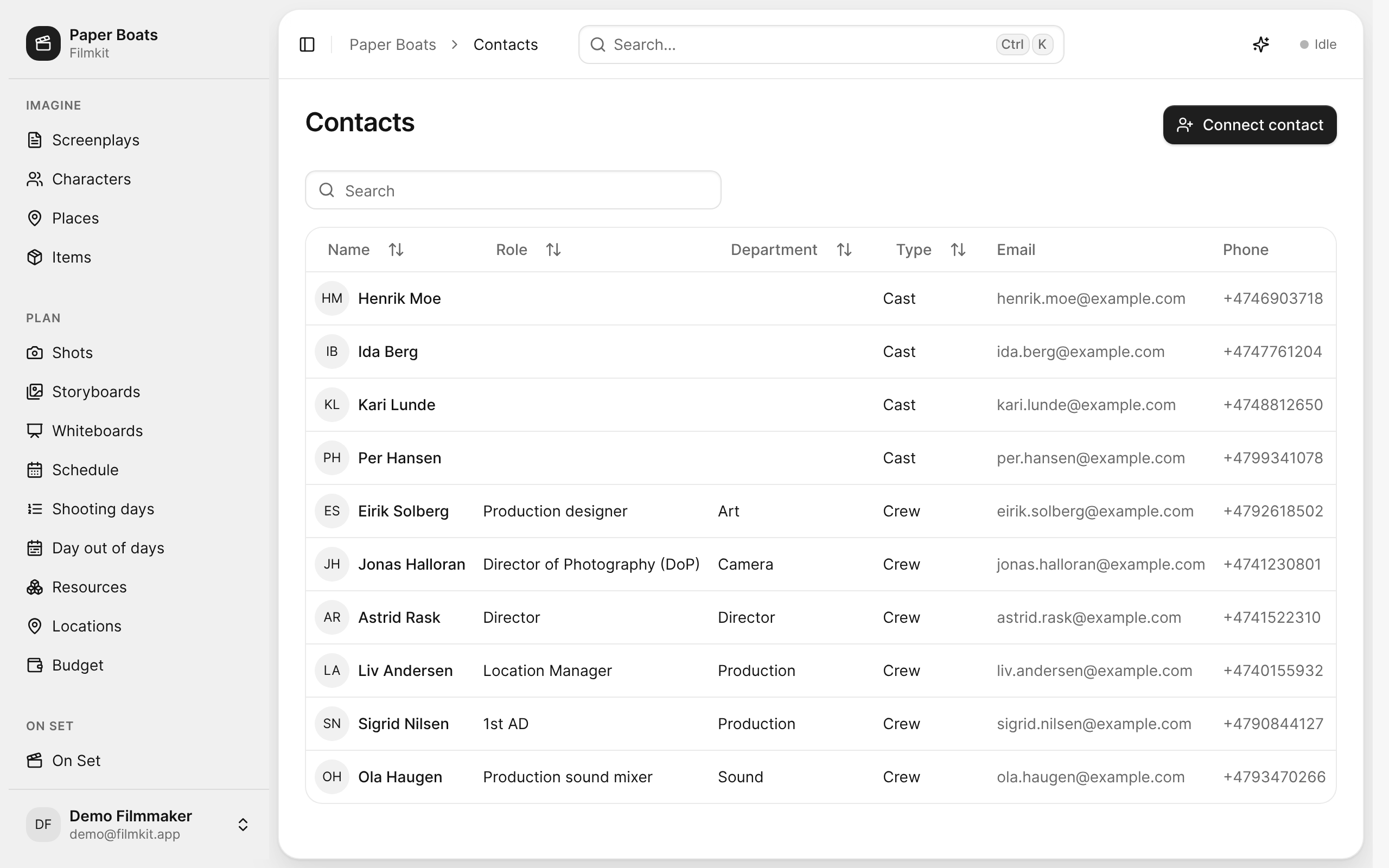
The project's Contacts roster with each person's role, department, and type. - Click .
- In the Connect a contact dialog, do one of the following:
- Choose someone from the address book: Enter a name or company in the search field, then select the contact.
- Add someone new: Click Create new contact, enter a First name, a Last name, or both, then click Create.
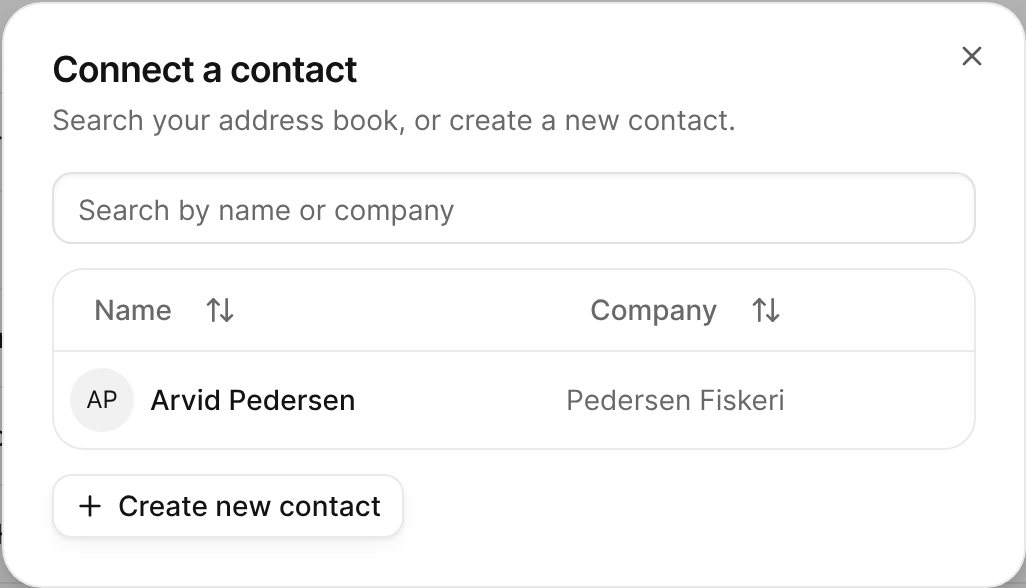
The Connect a contact dialog listing address-book contacts to choose from. - Choose a Role.
Roles are grouped by department. When you choose a role, FilmKit fills in its usual Department; you can change it. - Choose a Department, if it isn't already set.
- Choose a Type:
- Cast: An actor or performer.
- Crew: A member of the production crew.
- Customer: A client or other contact outside the crew.
- Click Connect.
The contact appears in the project's Contacts list with their role, department, and type.


If you chose the wrong person in step 3, click Change to go back to the list.
Change someone's role on a project
- In a project, click Contacts in the sidebar, then click the person.
- Under Project assignments, change the Role, Department, or Type.
- Click Assign.
The person's detail page also shows their address-book details, which you can edit and save there. See Manage the address book.
Remove someone from a project
- In a project, click Contacts in the sidebar.
- In the person's row, click Remove.
- In the Remove from project dialog, click Remove.
The person stays in the address book. You can also click Remove under Project assignments on the person's detail page.